
How to Get Your Church on Roku: Expanding Your Ministry’s Reach
How to Get Your Church on Roku: Expanding Your Ministry’s Reach
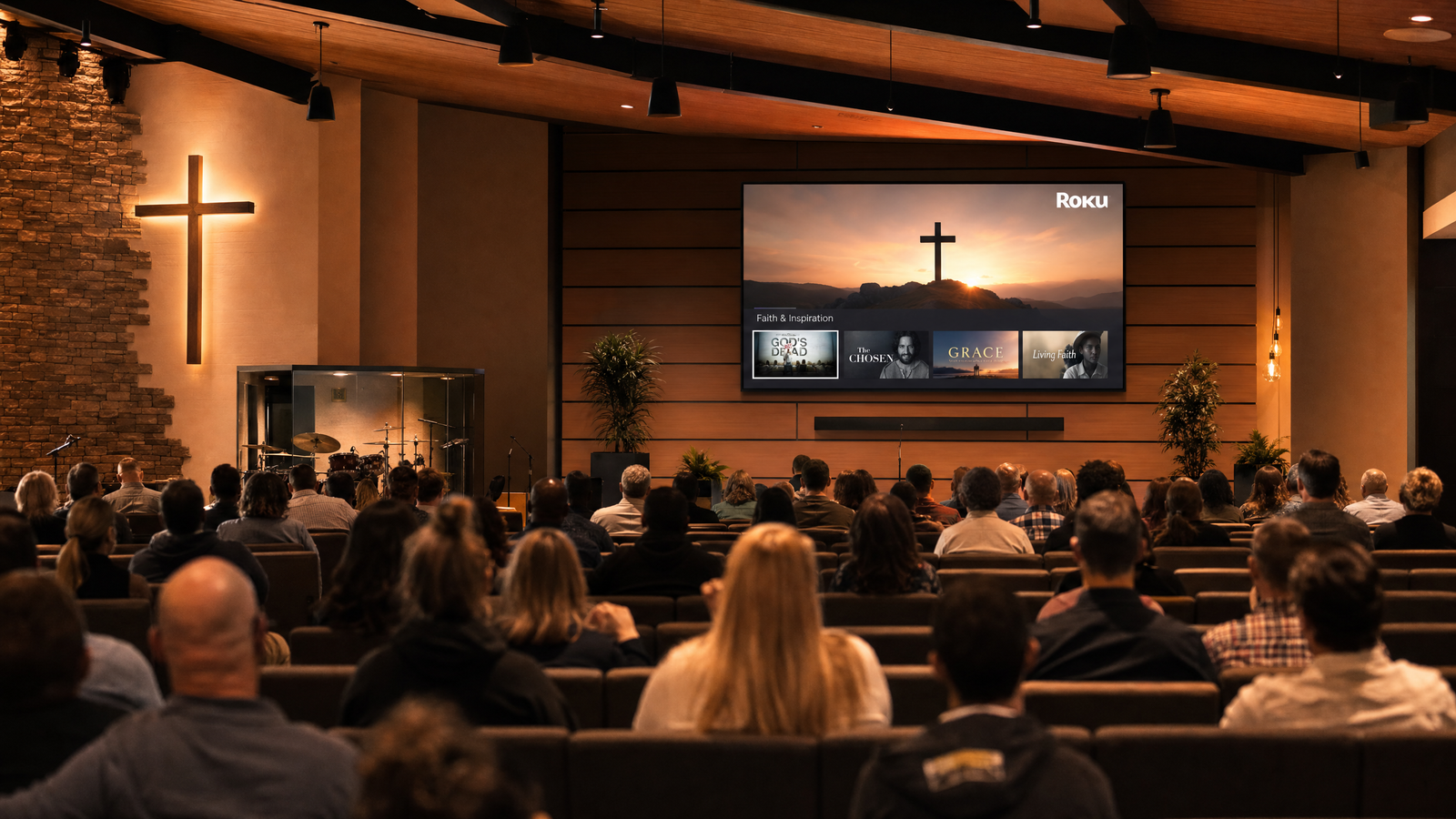
In today’s digital age, streaming Sunday services on Facebook or YouTube is a great start, but it is no longer enough. If you want to truly bring your ministry into the living rooms of your congregation—and reach millions of potential new viewers globally—you need to know how to get your church on Roku.
With a dedicated church Roku channel, your congregation can watch sermons, worship sessions, and bible studies on their big screen TVs, without the distractions and algorithms of social media. Here is how you can make it happen.
Why Does Your Church Need a Roku Channel?
Before diving into the “how,” let’s look at the “why.” 1. The Big Screen Experience: Watching a sermon on a 65-inch TV with family is a vastly superior and more engaging experience than watching on a 6-inch smartphone screen. 2. No Distractions: When a user watches your church on YouTube, the algorithm constantly suggests other videos, pulling their attention away. A dedicated church Roku channel keeps viewers focused entirely on your ministry. 3. Global Reach: Roku has millions of active users. A Roku channel puts your church in the same channel store as Netflix and Hulu, accessible to anyone, anywhere.
Step 1: Prepare Your Video Content
To get your church on Roku, you need video content. This can be: – Live Streaming: Broadcasting your Sunday services live as they happen. – Video On Demand (VOD): An archive of past sermons, worship music, podcasts, and youth ministry videos.
You will need a reliable video hosting provider or Content Delivery Network (CDN) to store and deliver these video files. Standard web hosting (like the server hosting your church website) is not powerful enough to stream video to TVs.
Step 2: Set Up a Roku Developer Account
Your church will need to register for a free Roku Developer account. This is the portal where your channel will be managed, and where you will eventually submit your channel to the Roku Channel Store for approval.
Step 3: Develop the Channel
This is the most challenging step in figuring out how to get your church on Roku. Roku channels are built using a specific coding language called BrightScript. – Option 1: Hire an in-house developer to learn BrightScript and build the app from scratch. – Option 2: Use a generic app-builder template, which is cheap but often results in a clunky, unbranded experience. – Option 3: Partner with a specialised Christian broadcasting agency to build a custom, professional channel.
Step 4: Design Your Church’s TV Branding
Your Roku channel needs to look professional. You will need to design specific assets, including a Channel Poster (the icon on the Roku home screen) and a Splash Screen (the image that shows while the app loads). These must meet Roku’s strict pixel dimension requirements and should clearly reflect your church’s branding.
Step 5: Submit and Launch
Once the app is built and populated with your sermons, it must be submitted to Roku for certification. Roku will test the channel to ensure it doesn’t crash and meets their quality standards. Once approved, your church Roku channel will be live in the Channel Store!
The Easy Way: Let KTV Channels Build It
Figuring out how to get your church on Roku can be overwhelming for church media teams who are already stretched thin.
KTV – Kingdom TV specialises in Christian broadcasting. We provide complete, end-to-end TV channel development for ministries. We build your custom church Roku channel, handle the video hosting integrations, and manage the entire Roku certification process.
Take your ministry to the next level. Partner with KTV today and launch your church’s very own TV network.